YouTube TV has been in recent headlines. But if you aren’t aware, it’s an online TV service from Google but quite different from the others like Netflix and Hulu. The difference lies in that YouTube TV doesn’t have its own library of TV shows and movies. Instead, it has a library of TV channels. It boasts of an impressive number of TV channels such as ABC, CBS, E! News, Fox, FX, NBC, and the USA for $35 a month. More channels will hopefully be added later. Google is offering a free first month trial after which you can decide if you want to pay for the service or not.
Currently, the free trial is only available in select U.S. markets such as New York, Los Angeles, the Bay Area, Chicago, and Philadelphia. But if you’re here, you probably don’t live in one of these parts of the world. Nothing to worry, as we can show you how you can still enjoy the free trial from wherever you are. No, we won’t hack into anything. Instead, we will be using the old school trick called location spoofing.
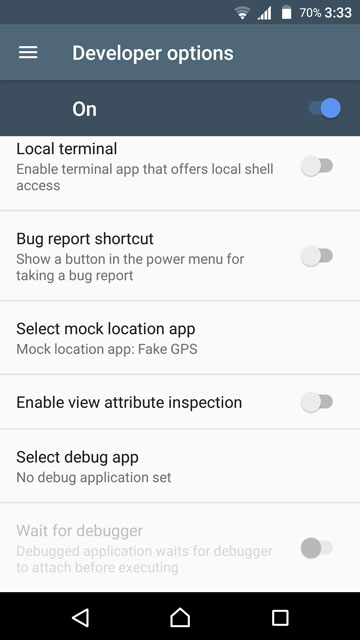
You will require an Android device running Android 5.0+ and an app called Fake GPS location. It does what its name says, that is, fakes GPS location of your device. Install the app from below and set it as the mock location app under Settings>Developer Options. Launch the app and switch your location to any of the supported locations.
[googleplay url=”https://play.google.com/store/apps/details?id=com.lexa.fakegps”/]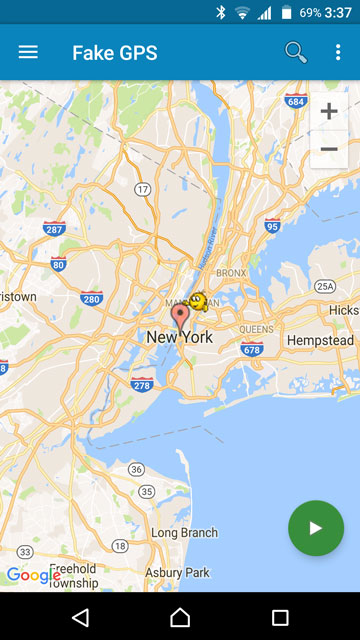
Once that is done, you need to download the YouTube TV app. This is different from the YouTube app for Android TV which is what you will most probably find on the Play Store. Since the YouTube TV app is region locked, you will need to sideload the app. Download the APK from below and install it.
Set up YouTube TV
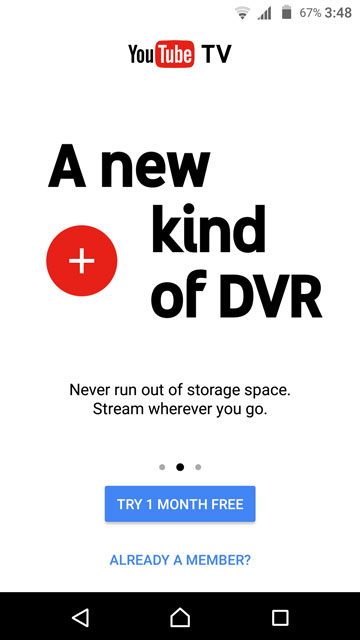
Launch the YouTube TV app and tap TRY 1 MONTH FREE. It will then ask for location access permission. This is required by the app to verify if you are in one of the supported locations. This is where the location spoofer comes into play. If you live in the U.S., it is a wise choice to pick the city closest to you, since the app is tailored regionally. This means you can still get those regional updates and content.

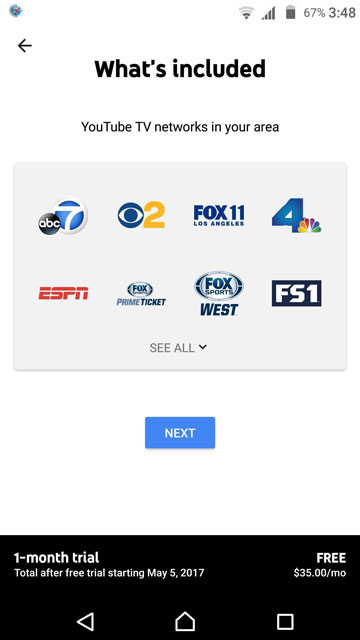
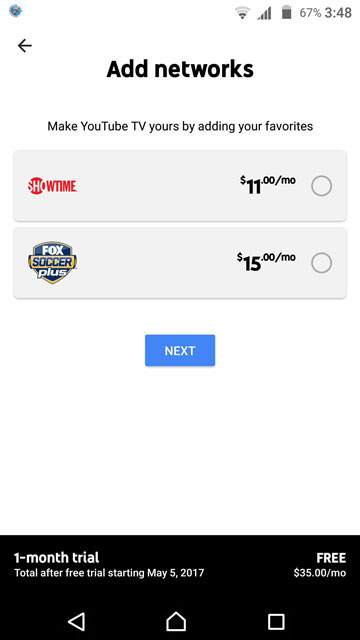
The base package of YouTube TV costs $35 per month, but there are a couple of additional monthly upgrades that add up to a total of $61 which maybe a bit too much. The app will give you a tour once you’re in, explaining where to find what and other things. The movies can be found under the Home tab in Movies For You while the TV shows are located in a section titled Catch-Up On The Latest Shows. Once the YouTube TV app is up and running on your Android device, you don’t need the location spoofer anymore. Not for YouTube TV, at least.



Join The Discussion: