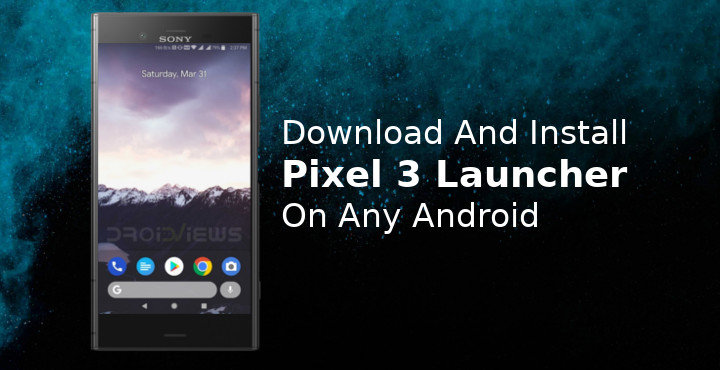
Before the original Google Pixel, there was the Google Now Launcher and the only feature it had that everyone wanted was the Google Now pane. The Pixel Launcher, introduced officially with the original Google Pixel and Pixel XL, marked a shift in Android launchers. The app drawer button disappeared from many launchers since then. With an update introduced with the Google Pixel 2, the search bar was brought down to the dock. Now, it seems that the Google Pixel 3 is set to introduce another change to the Pixel launcher. According to findings by XDA developer paphonb in the latest official APK, the Google search bar at the bottom of the dock has been separated into two bubbles. paphonb has now incorporated these changes into his rootless Pixel Launcher mod already. This could potentially be the Pixel 3 Launcher but you can download and install it right now.
The double bubble layout features a microphone for Google Assistant that sits on its own, next to the Google search bar. Google is rumored to be introducing an update to its Material Design named Material Design 2.0 at this year’s Google I/O. Now we’re not saying this little redesign of the search bar is a part of the rumored Material Design update, but it definitely could be. The design of the original Pixel Launcher was also similarly leaked before the launch of the Google Pixel. Later, something similar happened with the redesigned Pixel Launcher for the Google Pixel 2. Both the times, a working Pixel Launcher was made available by paphonb and AmirZ. So we wouldn’t be surprised if this leaked design change turns out to be true.
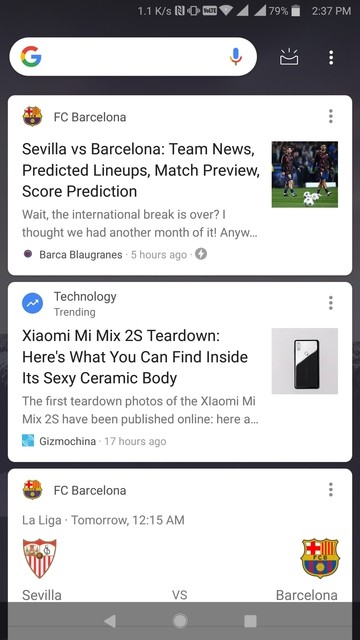
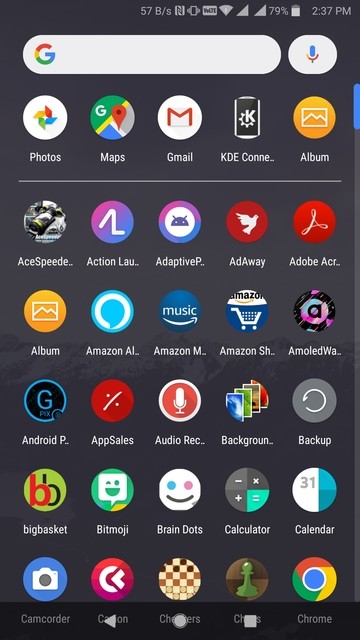
Another change you may notice is on the Google Now page. The search bar has now been moved up and the menu icons sit next to it. Previously, the search bar was spread across the entire width below the icons. This Pixel 3 Launcher is a modded version of Rootless Pixel Launcher that drops in as v5.2.0. It does not display the modified Google search bar right off the bat though. You’ll need to dig into the settings to enable this. To install this launcher you’ll need to uninstall any previous versions of Pixel Launcher you may have already installed. That means if you have a Google Pixel, this may not work for you, ironically. You’ll also need your device to be running on Android 7.0 Nougat or above.
Screenshots

Enable Unknown sources
If this is the first time you’re installing an APK, you will need to enable this setting in order to install an app, not from the Google Play Store. To do this, go to Settings > Security and check the box next to Unknown sources. On heavily skinned devices such as MIUI, the path may be slightly different. Similarly, it may be slightly off for Huawei’s EMUI or Samsung’s Samsung Experience. Devices running Android 8.0 Oreo or above will need to grant permission to the individual app that they use to install an APK. We’ll show how to do this during the installation process.
Download
See also:
- Get Pixel 2 Look on Your Android with Nova Launcher
- Get Pixel 2 Live Wallpapers on Any Android Device
How to install Pixel 3 Launcher and enable new search bar
- Download the Pixel 3 Launcher APK on your device.
- Tap on the download complete notification to launch the package installer.
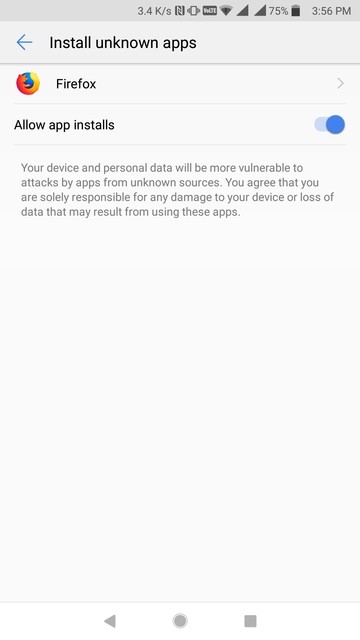
- If your device is running on Android 8.0 Oreo or above, you will now be required to allow your browser app the permission to install APKs. Alternatively, you can launch your File Explorer and navigate to the Downloads folder then tap on the downloaded APK. The file manager will be the app then that will require permissions.

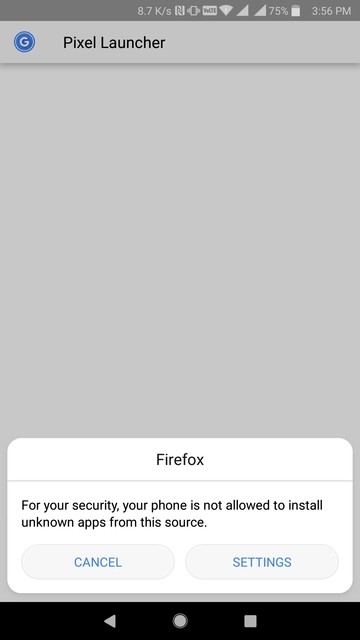
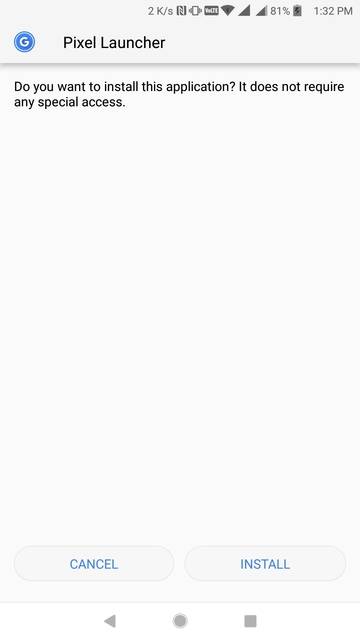
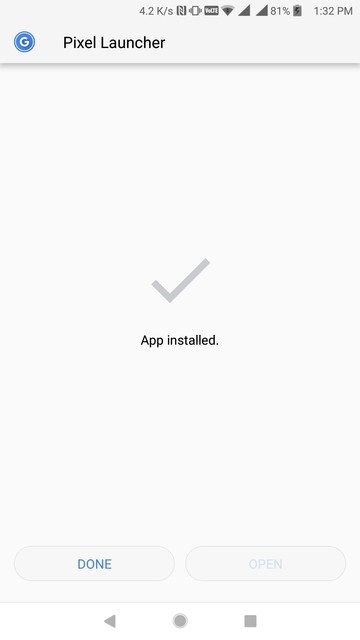
- Tap on INSTALL on the package installer screen and then tap on DONE once the installation is complete.
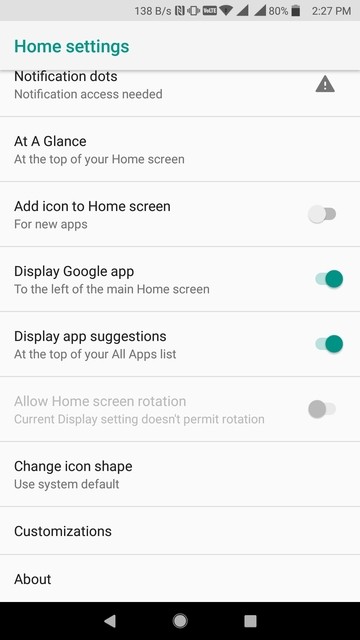
- Now that you have the launcher installed, you will notice that the search bar in the dock is still the same as before. Long press anywhere on the home screen and go to Settings.
- Under Settings, select Customizations and toggle on New search bar style at the bottom.
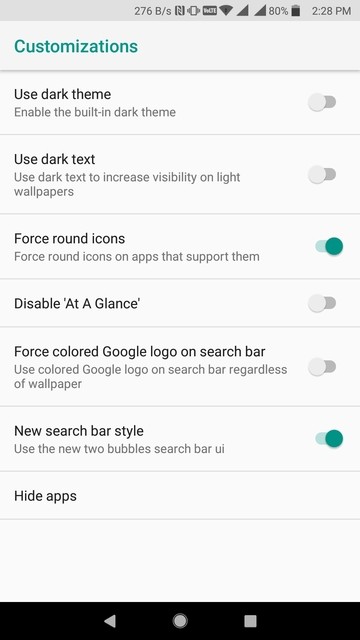
- Go back to your home screen and you should find the new style search bar.
Don’t miss: List of 70 OK Google Commands for Google Assistant and Google Now



Join The Discussion: