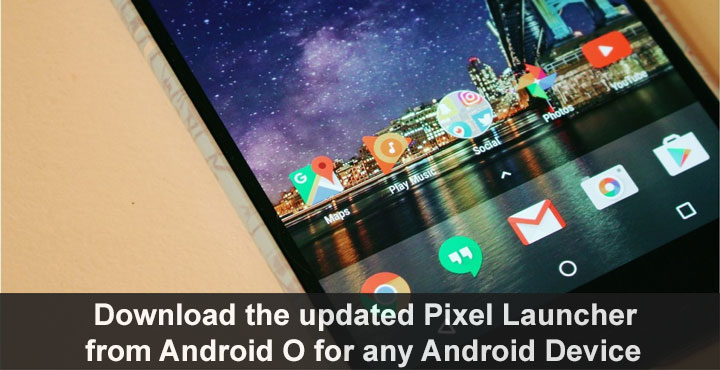
There are still a couple of days left for the first Android O Developer Preview to complete a full week out in the wild but the developer community is already onto its tail, pulling it apart to see what new features can be ported to older versions of Android. When you unlock your Android, the first thing to greet you is the home screen, so it only makes sense that the first feature to be ported from Android O would be the home screen. We’re talking about the Pixel Launcher of course. You can now download and install Android O Pixel launcher on your Android.
Developer linuxct has ported the newer version to work with older versions of Android, and this does not even require root. At least not necessarily. But without root, there’s no swipe to access Google now on the launcher. If you need the integrated Google Now pane, root privilege is a must. The package also conflicts with any existing installation of Pixel Launcher. Meaning it won’t install as long as you have an older version of Pixel Launcher already installed on your phone. The port works on any Android Marshmallow or Android Nougat device.
What do you get out of it? Well, there isn’t a lot that is new about this updated launcher. There is just one new feature, that you can swipe up from anywhere on the home screen to bring up the app drawer instead of swiping from the dock at the bottom of the screen as you have to do now.
If you think it is worth all the trouble, and want to give it a try, just download the APK from below.
Download the updated Pixel Launcher from Android O
Download Android O Stock Wallpaper (QHD)
Install Pixel Launcher Launcher from Android O
- You can simply install the APK and start using the launcher right away. If you’ve never installed an APK, check Unknown Sources in Settings> Security first. As mentioned, though, you won’t get any Google now integration this way.
- To install the launcher as a system app so that it will have Google Now integration, the simplest way is to head over to the Google Play store and install Link2SD. It’s a small download and a quick install.
- Open the app and grant it superuser rights when asked.
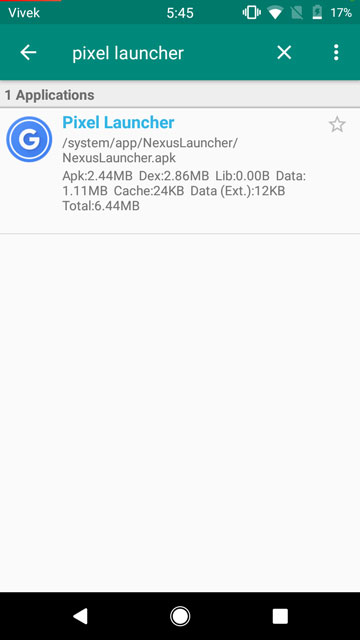
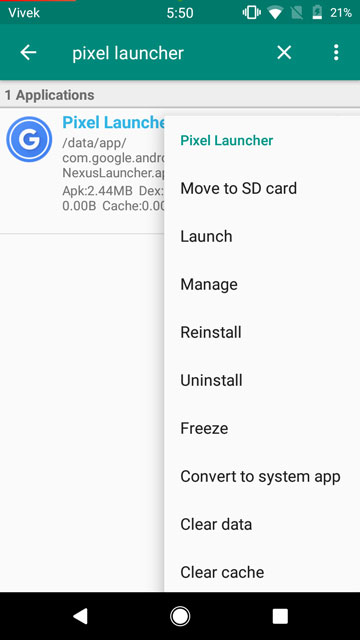

- It will load up a list of all the apps installed on your device, both system, and user apps. Scroll down the long list to find Pixel launcher, or just use the search function.
- Long press on the Pixel Launcher entry and select Convert to system app from the drop down menu that appears.
- Once the app has been converted, reboot your device.
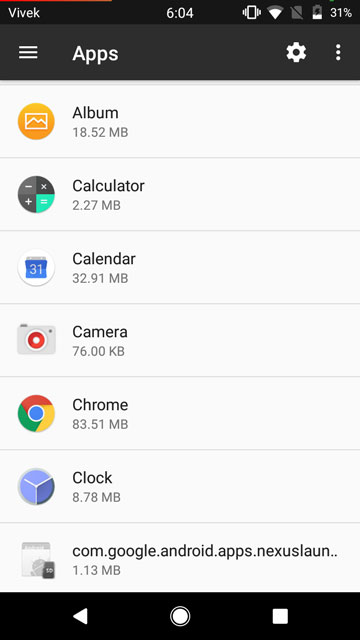

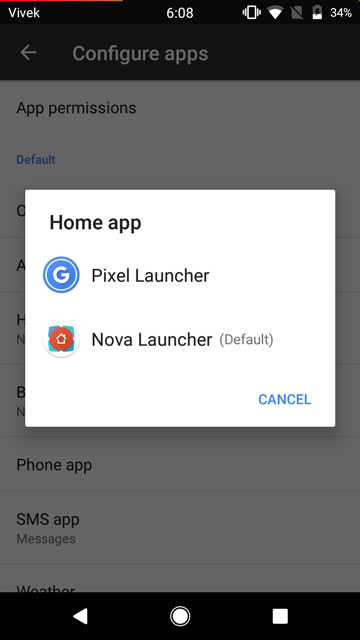
When your phone boots up, you should be asked to select a launcher application, select Pixel Launcher. In case your previous launcher is still the default launcher, go to Settings>Apps and tap on the gear icon in the top right corner. Select the Home app and then select Pixel Launcher. It is possible that the Launcher crashes a few times, but it is a temporary problem that should pass away soon, after all its a port from a developer preview. Nothing a quick reboot won’t fix.
Don’t miss:



Join The Discussion: