We have already informed you about Microsoft’s new personal assistant Cortana some time ago, which was leaked nearly a month ago and also got updated. It was a leaked beta version of Cortana which was meant to be tested by a closed community. However, this time Microsoft has launched a beta testing program for its new personal assistant -Cortana for everyone who opts for it.
Cortana is just like Google Now and will help you in many operations with voice commands. To activate it, you need to either tap the Cortana logo within the app or say “Hey Cortana” and you will be able to command your new personal assistant on Android.
Cortana is a clever new personal assistant from Microsoft is designed to help you get things done with functionalities similar to Google Now. It will help you find things on your Android device, manage your calendar, track packages, find files, chat with you, tell jokes and lots more. The more you use Cortana, the more personalized your experience will be.
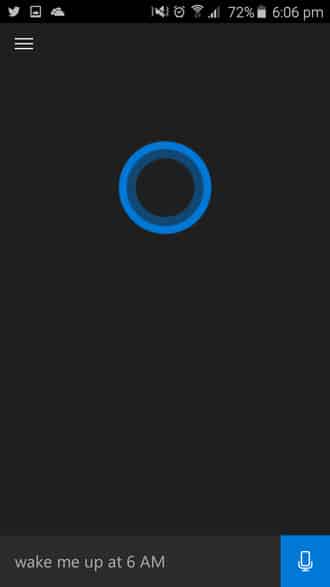

Here is what Microsoft has to say about its personal assistant app -Cortana available for Android:
• Use Cortana as a voice assistant by speaking naturally or even by typing, and she’ll find answers from the web or help you get things done.
• Find answers using Bing including the latest sports scores, movie show times, local restaurants, facts and references, and more.
• Set reminders with Cortana and get the reminders at a specific or recurring time, or when you arrive/leave a certain location.
• Set alarms.
• Place calls to your contacts using voice.
• Voice texting: dictate your SMS/text to Cortana using voice.
This new personal assistant could give a tough fight to its rivals like Google Now and Siri which have a prominent place within their respective communities. If you want to download Microsoft’s exquisite Cortana app, then you need to sign up for the beta testing program and once done, you will be directed to the Play Store link. However, this app may only be available for some specific regions which includes US for now and some other regions. We would like to know your thoughts about Cortana. So sign up for the app and let us know.
[googleplay url=”https://play.google.com/store/apps/details?id=com.microsoft.cortana”]



Join The Discussion: