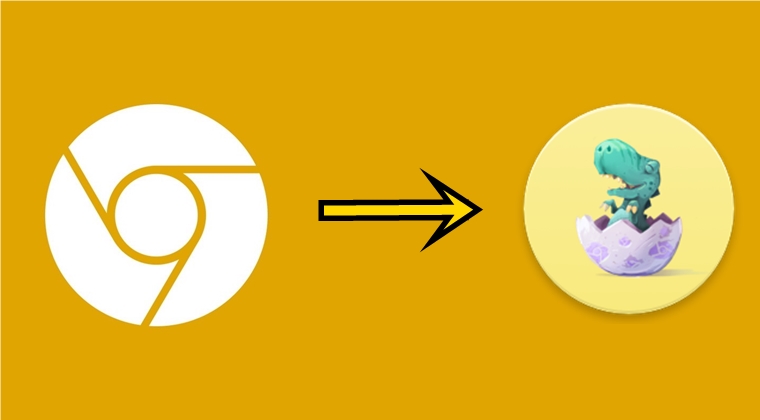
Google loves to test out new features every now and then is no hidden secret. But sometimes it goes way too far and surprises one and all. Today morning, I saw a new app called Clankium installed on my device. Not only the name, but the icon looked quite strange as well. To the best of my knowledge, I hadn’t downloaded any such app. So, I went ahead checked the App Settings page, where it showed the app to be installed from Play Store. On tapping the App details, it took me to the Google Canary listing. Then I realized than the Chrome Canary build has been transformed into this so-called Clankium version.
Turned out, I wasn’t the only one. Many users had the same UI change of the Chromium browser. Let’s see what exactly is this change all about. Moreover, you may still get your hands on Chrome Canary’s version of Clankium via a handy workaround. We will discuss that as well.
Chrome Canary to Clankium: What All Changed
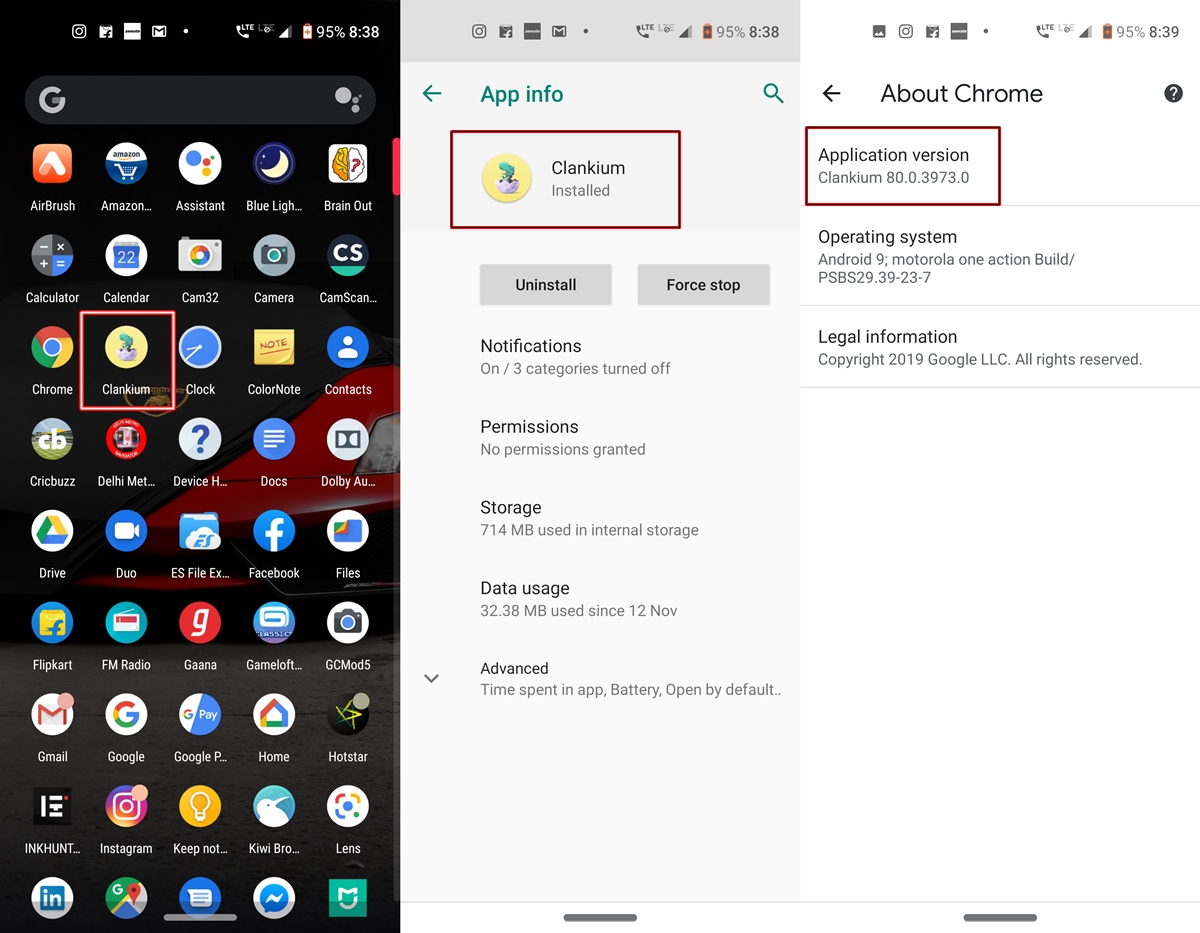
Chrome Canary today got totally rebranded of sorts. Not only the name, but it’s icon also changed to a turquoise dinosaur that seems to be hatching from a purple egg. All this is placed inside a yellow background. Not only in the app drawer but the Chrome Canary’s change to Clankium was visible in the App Info page as well.
On further investigating, I went to Chrome’s in-app Settings > About Chrome > Application version and rather than showing the regular Chrome Canary, it also showed the Clankium name. But apart from the name and logo change. there hasn’t been any addition or removal of features as such. Rest everything seems to work as it was before.
Availability
This change was visible in the Chrome Canary v80.0.3973.0. But the app recently got updated to 80.0.3973.3 and Chrome Canary is back to it’s the default state. However, you could still enjoy the Chrome Canary’s Clankium version by sideloading the app v80.0.3973.0 from APKMirror. Remember to allow installation from an unknown source before you proceed with the installation. Also, turn off the Auto-Updates feature from the Play Store.
So this was all about Google Chrome’s Canary version getting rebranded to Clankium for a brief period of time. This may be an internal test gone wrong but Google surely knows a trick or two to surprise its user base every now and then.
Read Next: Why do Most Android App Package Names Start with ‘com’?

Join The Discussion: