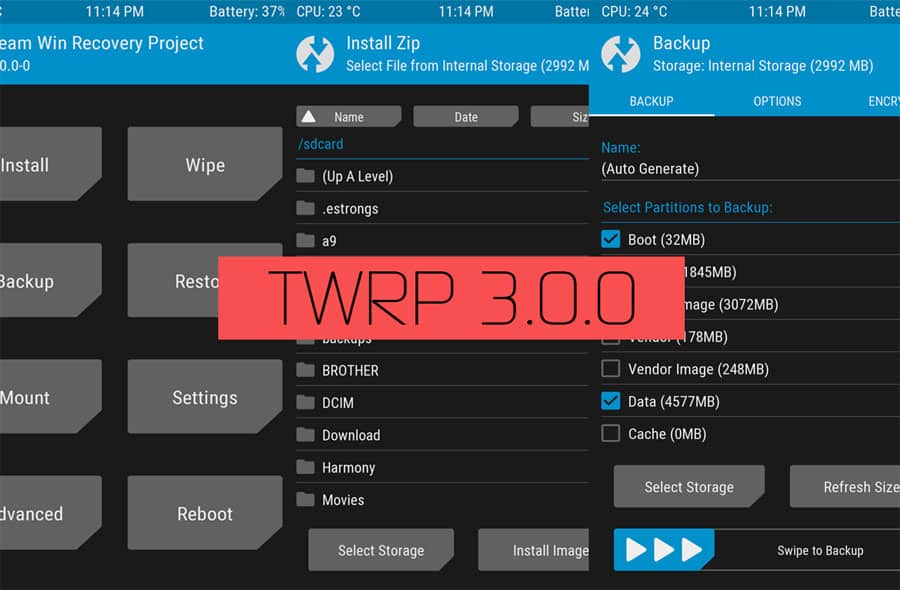
Popular custom recovery makers, Teamwin Recovery Project recently released a massive update to TWRP. This new update brought some important design overhauls and security fixes, making TWRP 3.0 one of the best open-source recoveries out there. Complete with a wide range of features, TWRP 3.0 is available for more than 300 devices supporting almost all devices released by the top 5 OEMs.
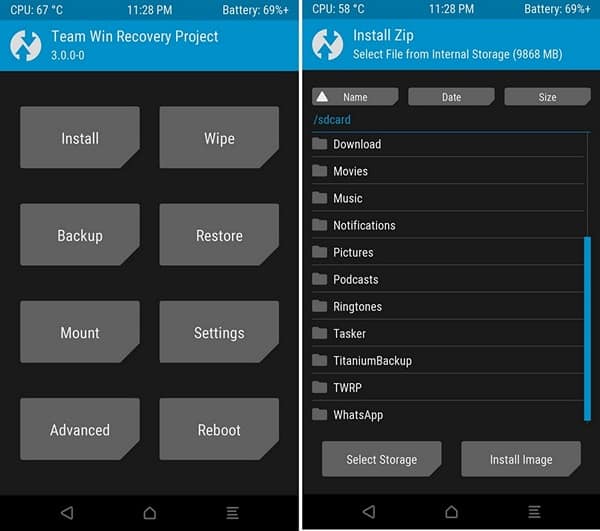
TWRP 3.0 update is more than just a fresh coat of paint. The new UI is not only faster than ever before, it also resolves some pending security issues. However, for today’s post, we are going to concentrate on just the theming part.
How To Theme TWRP Recovery 3.0
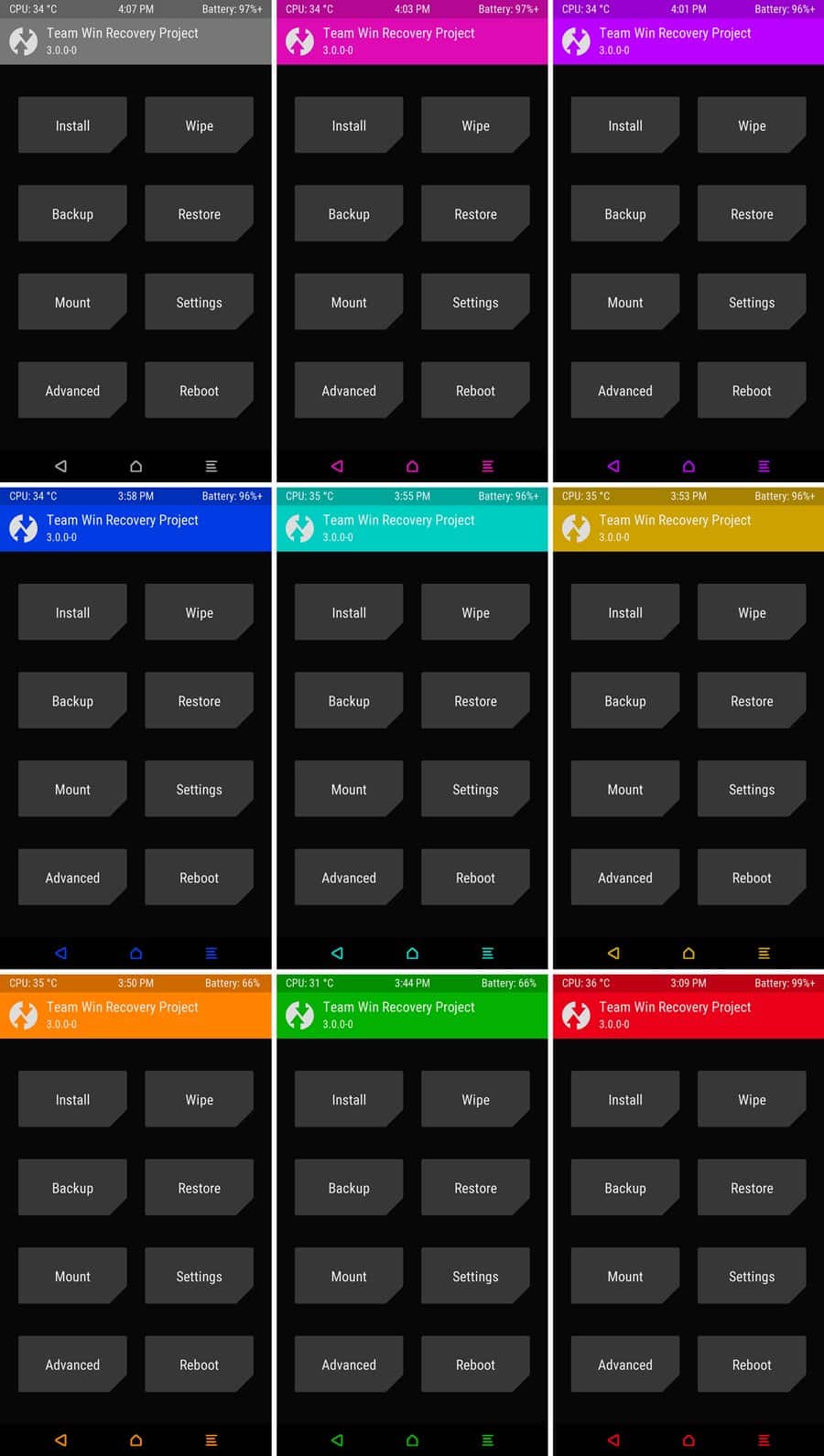
The default TWRP 3.0 theme looks really good, in my honest opinion. However, if you don’t like the colors, you get the option to change it to your liking. The hardworking developers over at XDA Forums have released theme pack for TWRP 3.0. The theme pack is a flashable zip. You get over a dozen themes along with an option to save up to seven custom themes.
To be able to theme your TWRP 3.0 recovery, all you have to do is:
- Download and Install TWRP 3.0 for your device – download here.
- Download TWRP 3.0 theme pack – download here.
Flash TWRP 3.0 Theme Pack
For the purpose of this post, we are assuming that you have TWRP 3.0 installed on your device. Havingany older version of TWRP will not work, so make sure you have updated your TWRP recovery to v3.0.
- Transfer the TWRP 3.0 theme pack file to your device
- Turn your phone off and reboot into recovery.
- In TWRP, tap on Install.
- Locate the TWRP 3.0 Theme pack you have downloaded above and select it.
- Tap on Flash.
The flash process should be completed quickly. Once done:
- Tap on the Home button.
- Tap on Advanced – Reload Theme.
- From here on out, if you want to change the theme, go to Advanced -> Theme Options -> Change Theme
Note: Make sure your device’s screen resolution is Full HD. The theme assets used here are for 1080p resolution.


Join The Discussion: