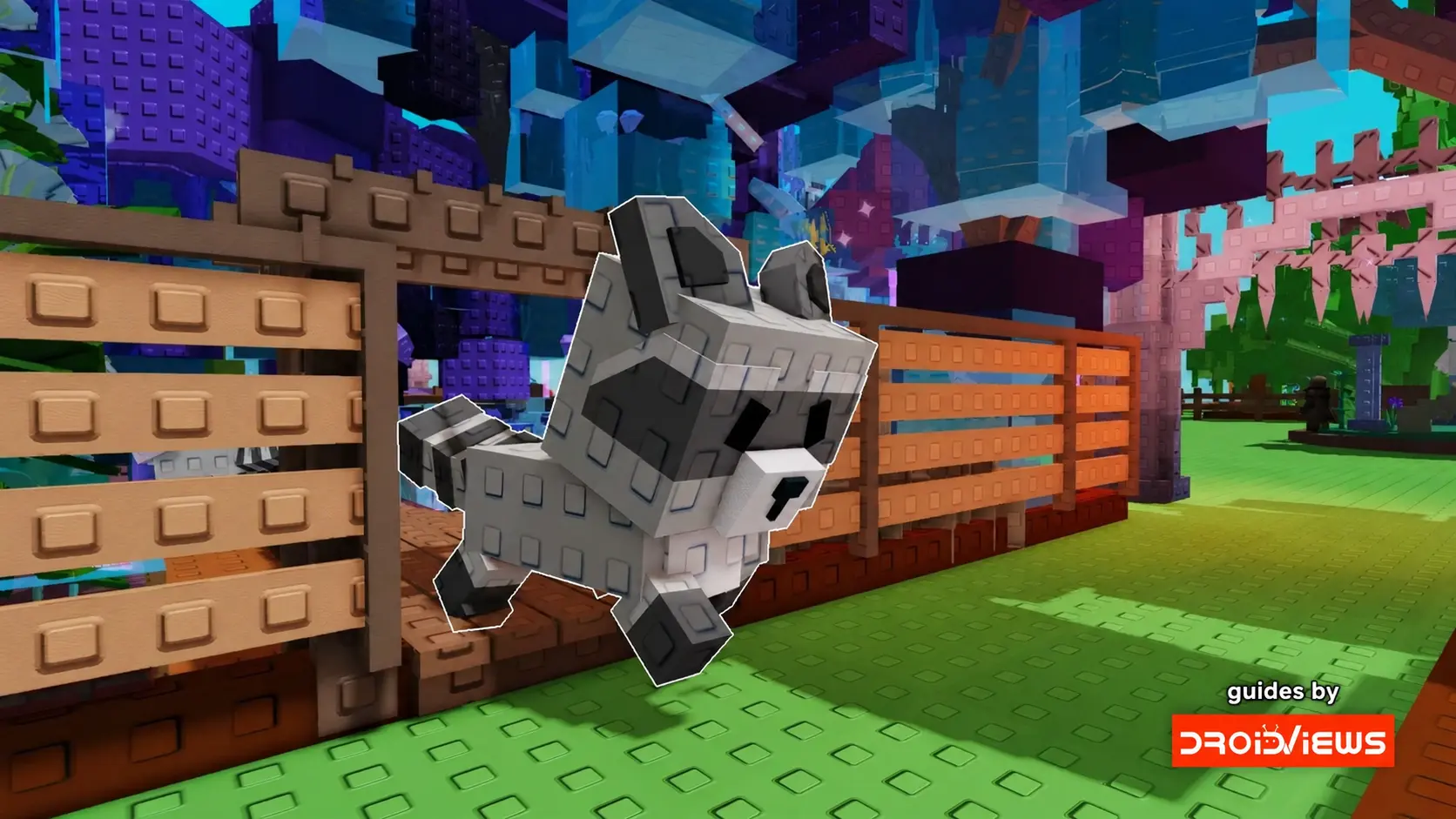
How to Get Your First Pet in Grow a Garden and Pick One Worth Keeping
Your first pet in Roblox’s Grow a Garden can help you find seeds or hatch your next egg faster. The best choice depends on what you spend most of your time doing. If you’re still filling out your plot, a pet that digs up seeds can come in handy. If you’re already buying eggs whenever the shop restocks, a hatch speed bonus might do more for you. Here’s how to get started and decide which pets deserve a spot on your plot.
Where do I get my first pet?
Start at the in-game Pet Egg Shop. Buy an egg with Sheckles, equip it from your inventory, and place it in a clear spot on your plot. Wait for the timer to finish, then interact with the egg to hatch it. Each egg type has its own pool of possible pets, so check which egg contains the one you want before spending your Sheckles. If the egg you’re looking for is out of stock, check again after the shop refreshes.
The Common Egg is a practical starting point if you want a Golden Lab. It has a chance to dig up a random Seed Shop seed, which can help you build up your seed collection while you tend your crops. The Uncommon Egg can hatch a Chicken, which speeds up egg hatching. That bonus comes in handy when you already have another batch of eggs ready to place.
Which pet should I equip?
Pick the pet that helps with what you’re doing in your next few sessions. If you’re planting whatever seeds you can get, try the Golden Lab. If you’ve saved enough Sheckles for several eggs, equip the Chicken before you start hatching them. When you switch from collecting pets to expanding your plot, revisit your lineup before you buy another egg. A pet that helped all week may have little to do once your plans change.
Read the full ability description when you compare pets. Look for what the ability affects and how often it can trigger. A rare pet can be fun to collect, but a common pet whose ability you use every session may earn its slot faster. You can also browse listings on U7BUY’s grow a garden shop to see which pets and items are available through third-party sellers. Comparing their abilities before making a decision can help you avoid spending resources on a pet that doesn’t suit your playstyle.
Why has my pet stopped gaining age?
Check its hunger meter. A pet stops aging when its hunger runs out. To feed it, equip a harvested crop, approach the pet, and select Feed. Different crops restore different amounts of hunger, so start with something you harvest regularly and see how much the meter moves. That gives you a way to keep your pets fed while saving your most valuable harvests for selling. If you keep several pets equipped, check their meters together when you finish harvesting.
What if I can’t hatch the pet I want?
First check whether its egg is still obtainable. If the pet came from a past event, see whether another player is willing to trade it through the game’s trade window. Before confirming a trade, double-check the species and any attributes you agreed on, such as age or mutation.
If you’re considering a third-party marketplace to buy grow a garden pets, compare listings for the same species and check the listed age, weight, and mutation. Review Roblox’s terms before spending money on an off-platform offer. If you’re still figuring out which ability you need, hatch a few eggs first and see which pets you actually equip. You’ll have a better idea of what’s worth looking for.
Join The Discussion: