The keyboard is one of the most essential apps on a smartphone. A good keyboard is one that lets us type faster, use emojis, stickers and symbols, add GIFs, corrects incorrect spelling, suggest words that we might want to type next, lets us switch between languages easily, supports themes and looks cool. Smartphone keyboard apps have are getting smarter, thanks to the integration of AI. If you have been looking for a great keyboard, we have 5 best keyboard apps for Android listed below.
The keyboard on your Android smartphone is also an app just like any other app on your phone. Most Android users know this since Android has supported third-party keyboards since forever. Still, the keyboard is perhaps the most under-appreciated app on an Android smartphone with respect to how important it is.
5 Best Keyboard Apps for Android
If there was a debate about the most important app on a smartphone, perhaps the keyboard will be my third choice after phone and messaging. An amazing keyboard can make or break your experience. So here are 5 of the best keyboards apps for Android that you might want, in no particular order.
1. Gboard
[googleplay url=”https://play.google.com/store/apps/details?id=com.google.android.inputmethod.latin”/]When we think of the best keyboard apps for Android, Gboard is the first name that flashes. Gboard is one of the most popular Android keyboard apps on Android if not the most popular. Ever since Google introduced its keyboard in the Play Store, simplicity and accuracy have been its defining features. Since it was renamed from Google Keyboard to Gboard, it has gained several features most prominent of which is the inclusion of Google search itself into the keyboard.
Introducing Google search to a stock app is how Google made its launcher popular. But I hardly use the keyboard’s built-in search. The clean aesthetics and accurate typing experience are what make it a popular choice. It includes all the basic features such as auto-correction, multi-lingual typing, swipe typing, cross-device syncing, number row and various customization features. There is also a GIF search, voice typing, and Google Translate. Here are some use Gboard tips and tricks you should check out.
Once you have picked the best keyboard for your Android, you should also check out these 20 Google Maps tips and tricks.
2. Swiftkey
[googleplay url=”https://play.google.com/store/apps/details?id=com.touchtype.swiftkey”/]Swiftkey has been a popular name in the keyboard world since as long as I can remember. Its rival Swype keyboard has long since disappeared from the popularity market. Unlike Swype, and several other keyboards that try to win users with a specific approach, Swiftkey kind of throws it all in there. If you’re unsure of which keyboard you want to try out first, and you don’t want to end up trying a bunch, Gboard and Swiftkey would be my first two recommendations. Switkey was since bought by Microsoft which has invested a lot in the app.
This has brought a top of the line word prediction powered by a neural engine. Further features include swipe typing, cloud syncing so all of your devices can stay up to date, themes, keyboard customization, a number row, and more. Swiftkey also supports more than 100 languages. No wonder, why it won a place in our list of best keyboard apps for Android.
3. Smart Keyboard Pro
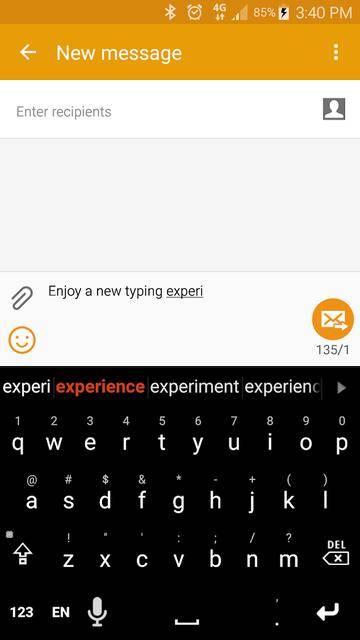
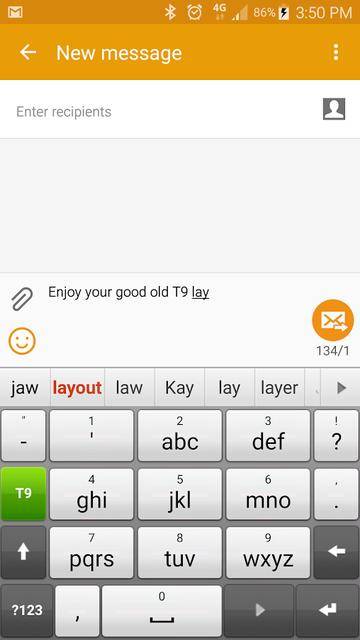
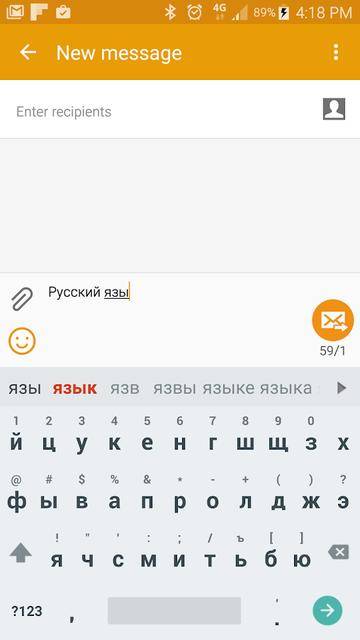
Back when Google Keyboard was not even available, Swiftkey and Swype were the popular keyboard choices, Smart Keyboard Pro was my choice. I preferred it basically for the looks and the super accurate typing experience. Accurate typing was something you had to be concerned about on a keyboard back then.
This keyboard may be old, it may not have ever risen to the popularity of Swype, but from experience, I can tell you it is one of the best keyboards you can try. Mostly because it still gets regular updates and its feature list has only grown since. It delivers you the basic experience where you get emoji, auto-correct, predictions, and more.
The keyboard also has skins, a T9 mode, a compact mode, and support for hardware keyboards. It isn’t all flashy like many but if you’re just looking for a simple thing that just works, and Gboard isn’t doing it for you, Smart Keyboard Pro will be a smart choice. There’s a free version, of course, which you should try out first.
Give a shot to Smart Keyboard Pro and let us know if it’s one of the best keyboard apps or not. For a lightweight experience on your Android, you should try Simple Mobile Tools.
4. Fleksy
[googleplay url=”https://play.google.com/store/apps/details?id=com.syntellia.fleksy.keyboard”/]When it comes to features, it’s hard to beat the likes of Swype. The developer’s of Fleksy realized that and so they came up with something that was a bit different than your traditional Android keyboard. Imagine what would happen if the developers behind Mozilla Firefox made a keyboard. A keyboard with minimal features but a ton of extensions. And for these reasons, I think Fleksy is one of the best keyboard apps for Android.
Don’t miss: 5 Time-Saving Keyboard Tricks Every Android User Should Know
Flesky revolves around the same idea of customizable extensions. These extensions let you add a variety of interesting functions onto your keyboard’s top row. For instance, the Editor extension gives you one-touch buttons for commands such as copying and pasting, along with a trackpad-like bar for accurately positioning your cursor. This is simply one example, there are many more.
Of course, it does include all of the basics, including swipe and gesture controls, web search, GIF and meme support, themes, extensions, and more. Fleksy is also highly customizable, one of the most customizable keyboards, in fact. It covers over 50 different variety of colorful themes, three separate customizable keyboard sizes, over 800 Emojis, GIFs, etc. It is free for the most part, but some themes and features could be associated with a onetime payment.
5. Chrooma
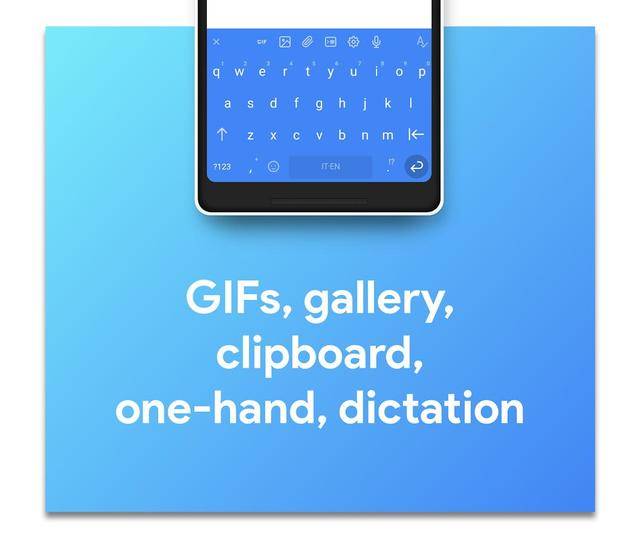
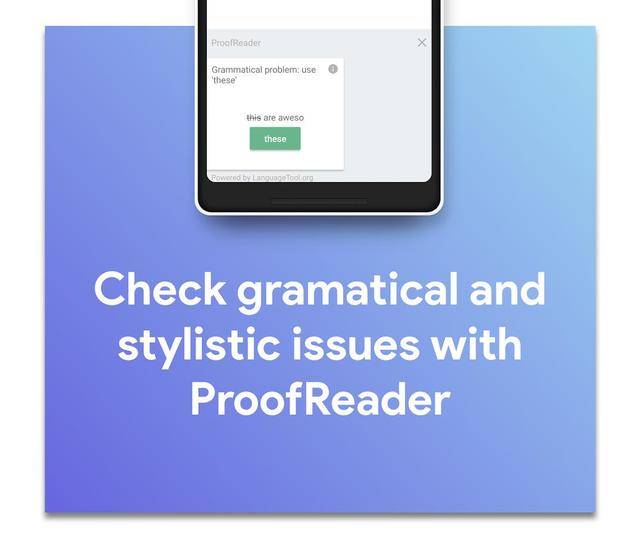
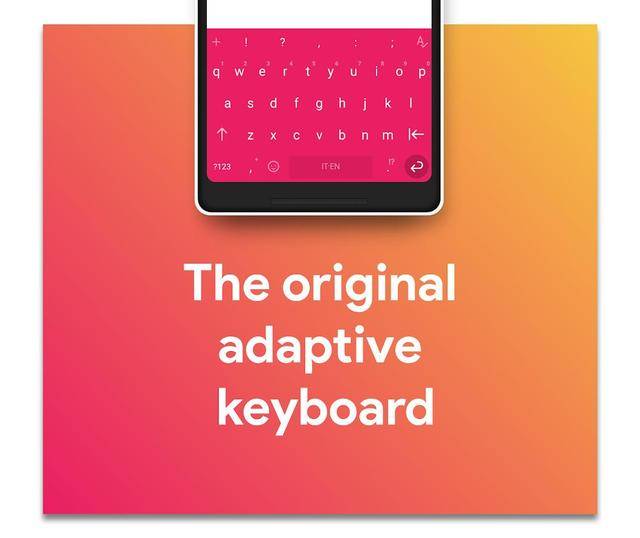
Chrooma, in my opinion, is one of the best keyboard apps for Android. When it was first launched, it was simply an interesting clone of the boring Google Keyboard. Google Keyboard was either light or dark, there were no themes. Chrooma looked exactly like it, but it was fun and colorful.
In fact, Chrooma’s shot to fame is the adaptive color feature which allows the keyboard to adapt to any color based on the app you’re using.
See also: 7 Useful Android Apps Which You Won’t Find in the Google Play Store
You can also manually change the color of the keyboard to suit your theme or tastes. Its feature set includes gesture typing, keyboard resizing, night mode, etc. Chrooma also has some additional features like adding a separate number row, Emojis support, GIF search, multilingual support, one hand mode, etc.



Join The Discussion: