
OnePlus is a company that does a decent job when it comes to providing major Android updates. They usually update their latest flagships (or the second latest flagships as was the case last time) by the end of December or early in the next year. However, they don’t do as good a job when it comes to providing links to prior software and updates. For instance, the OnePlus 5T which is their latest flagship right now has received a number of OS updates from OxygenOS 4.7.0 to 5.0.4. You can’t find them all on the company’s official Downloads page for the OnePlus 5T. For this reason, XDA member Titokhan has mirrored all of the official OxygenOS ROMS and OTA updates for the OnePlus 5T. This makes it easier for those who often try custom ROMs or modify their device after rooting it.
The links are provided for not only full official ROMS but also the OnePlus open beta ROMs. There are single flashable zips for both kinds of ROMs which are full ROM files. Links are also provided for OTA update files for both kinds of ROMs which are incremental updates. These are supposed to be flashed only if you have a certain version of the ROM already installed. The ROMs are all in a flashable zip format meant to be flashed via the stock OnePlus recovery. Along with the ROMS Titokhan also provides a link to download the stock recovery image in case you need it. You can download any of the ROMs or OTA files from the download links below.
Downloads
Signed Flashable OxygenOS ROMs
- 5.0.4: OnePlus5TOxygen_43_OTA_030_all_1802230142_c4b82c569532d1.zip
- 5.0.3: OnePlus5TOxygen_43_OTA_029_all_1802022353_460d.zip
- 5.0.2: OnePlus5TOxygen_43_OTA_028_all_1801281939_bd7a6aa0ae9d74c.zip
- 4.7.6: OnePlus5TOxygen_43_OTA_008_all_1712252114_6e1d0.zip
- 4.7.5: OnePlus5TOxygen_43_OTA_007_all_1712122320_69f9fba67934cd.zip
- 4.7.4: OnePlus5TOxygen_43_OTA_006_all_1712062242_0ee65.zip
- 4.7.2: OnePlus5TOxygen_43_OTA_004_all_1711152324_9a7ca8ad1c7d.zip
- 4.7.1: OnePlus5TOxygen_43_OTA_003_all_1711100210_e640.zip
OTA incremental update zips
- 5.0.4 from 5.0.3: OnePlus5TOxygen_43_OTA_029-030_patch_1802230142_5688866239.zip
- 5.0.4 from 5.0.2: OnePlus5TOxygen_43_OTA_028-030_patch_1802230142_0baffe.zip
- 5.0.3 from 5.0.2: OnePlus5TOxygen_43_OTA_028-029_patch_1802022353_609e9d3533.zip
- 4.7.6 from 4.7.5: OnePlus5TOxygen_43_OTA_007-008_patch_1712252114_d021b30522c445b.zi
- 4.7.6 from 4.7.4: OnePlus5TOxygen_43_OTA_006-008_patch_1712252114_34cc4f51e35.zip
- 4.7.5 from 4.7.4: OnePlus5TOxygen_43_OTA_006-007_patch_1712122320_f4eeaf0.zip
- 4.7.6 from 4.7.2: OnePlus5TOxygen_43_OTA_004-008_patch_1712252114_e423670288566d.zip
- 4.7.5 from 4.7.2: OnePlus5TOxygen_43_OTA_004-007_patch_1712122320_7988280.zip
- 4.7.4 from 4.7.2: OnePlus5TOxygen_43_OTA_004-006_patch_1712062242_9db67aa7c.zip
- 4.7.6 from 4.7.1: OnePlus5TOxygen_43_OTA_003-008_patch_1712252114_f7355b6261215.zip
- 4.7.5 from 4.7.1: OnePlus5TOxygen_43_OTA_003-007_patch_1712122320_f988c2441.zip
- 4.7.4 from 4.7.1: OnePlus5TOxygen_43_OTA_003-006_patch_1712062242_6425df4d30967.zip
- 4.7.2 from 4.7.1: OnePlus5TOxygen_43_OTA_003-004_patch_1711152324_f77fc10df.zip
- 4.7.6 from 4.7.0: OnePlus5TOxygen_43_OTA_002-008_patch_1712252114_c1b9e.zip
- 4.7.5 from 4.7.0: 4.7.4 from 4.7.0: OnePlus5TOxygen_43_OTA_002-006_patch_1712062242_68024.zip
- 4.7.2 from 4.7.0: OnePlus5TOxygen_43_OTA_002-004_patch_1711152324_d83cce1796.zip
Signed flashable OxygenOS ROMs (Open Beta)
- OB5: OnePlus5TOxygen_43_OTA_008_all_1803250051_96188f92d395e.zip
- OB4: OnePlus5TOxygen_43_OTA_007_all_1803102230_3b07f91fdc45b.zip
- OB3: OnePlus5TOxygen_43_OTA_006_all_1801292042_06e3a37b5.zip
- OB2: OnePlus5TOxygen_43_OTA_005_all_1801141242_9d998f.zip
- OB1_Hotfix: OnePlus5TOxygen_43_OTA_004_all_1801031407_e2352bc7493e4d48.zip
- OB1: OnePlus5TOxygen_43_OTA_003_all_1712240047_6de0478c0ccb4d4e.zip
- Roll-back build: O2N_OBT_17801_OXYGEN_SIGN_wipe.zip.zip
OTA incremental update zips (Open Beta)
- OB5 from OB4: OnePlus5TOxygen_43_OTA_007-008_patch_1803250051_23b007c0.zip
- OB3 from OB2: OnePlus5TOxygen_43_OTA_005-006_patch_1801292042_b01fe820834daf.zip
- OB3 from OB1_Hotfix: OnePlus5TOxygen_43_OTA_004-006_patch_1801292042_bb50e462.zip
- OB2 from OB1_Hotfix: OnePlus5TOxygen_43_OTA_004-005_patch_1801141242_6373b0.zip
- OB3 from OB1: OB2 from OB1: OB1_Hotfix from OB1: OnePlus5TOxygen_43_OTA_003-004_patch_1801031407_6a8daa5537.zip
Stock recovery image
How ro flash Stock recovery image
Preparation
- Install ADB and fastboot on your PC if you haven’t already.
- Enable USB debugging and OEM unlocking on your OnePlus 5T.
- Make sure that your device has battery power over 50%.
Flash recovery image
- Move recovery.img inside the adb installation folder. This is C:\Program Files (x86)\Minimal ADB and Fastboot by default unless you changed it during installation.
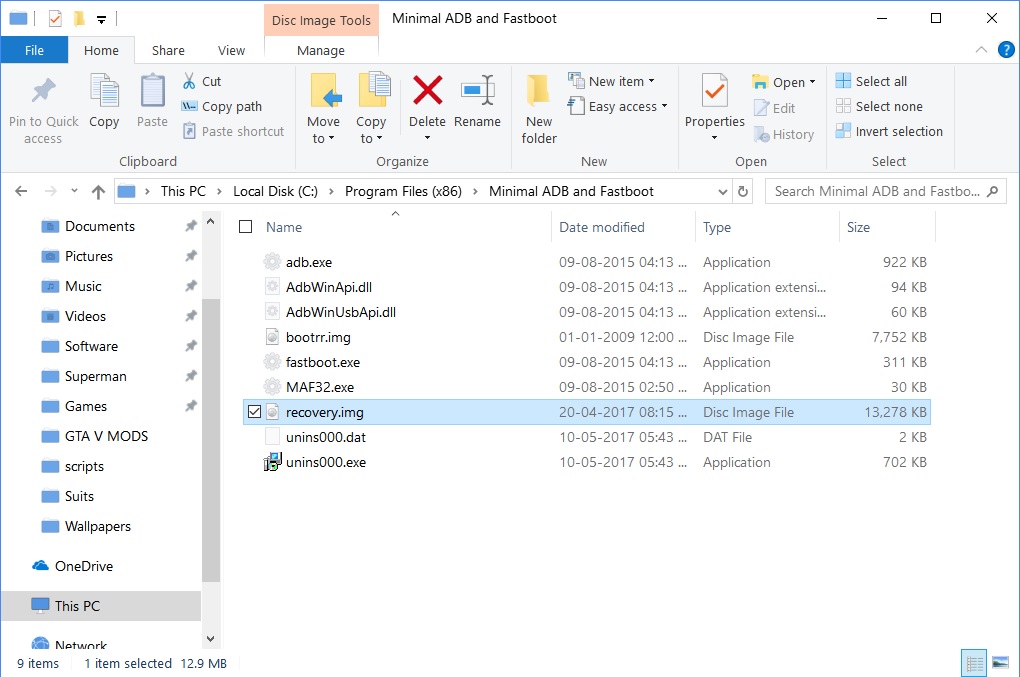
- Type in cmd in the address bar and hit enter to open a command prompt window in the folder.
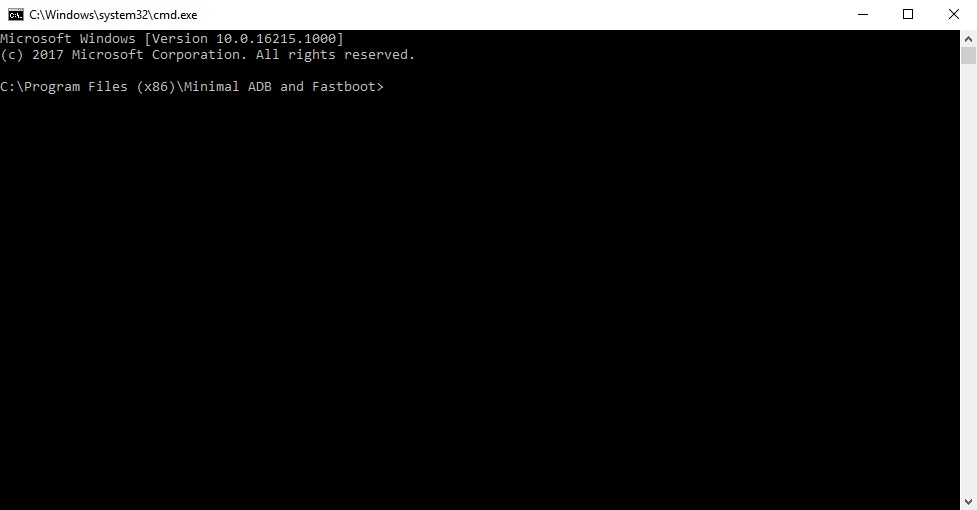
- Enter the following command to flash the stock recovery image file.
fastboot flash recovery recovery.img
How to flash Single flashable zips
- Enter your phone’s recovery mode by turning off your OnePlus 5T and pressing Power + Volume Down button simultaneously for few seconds.
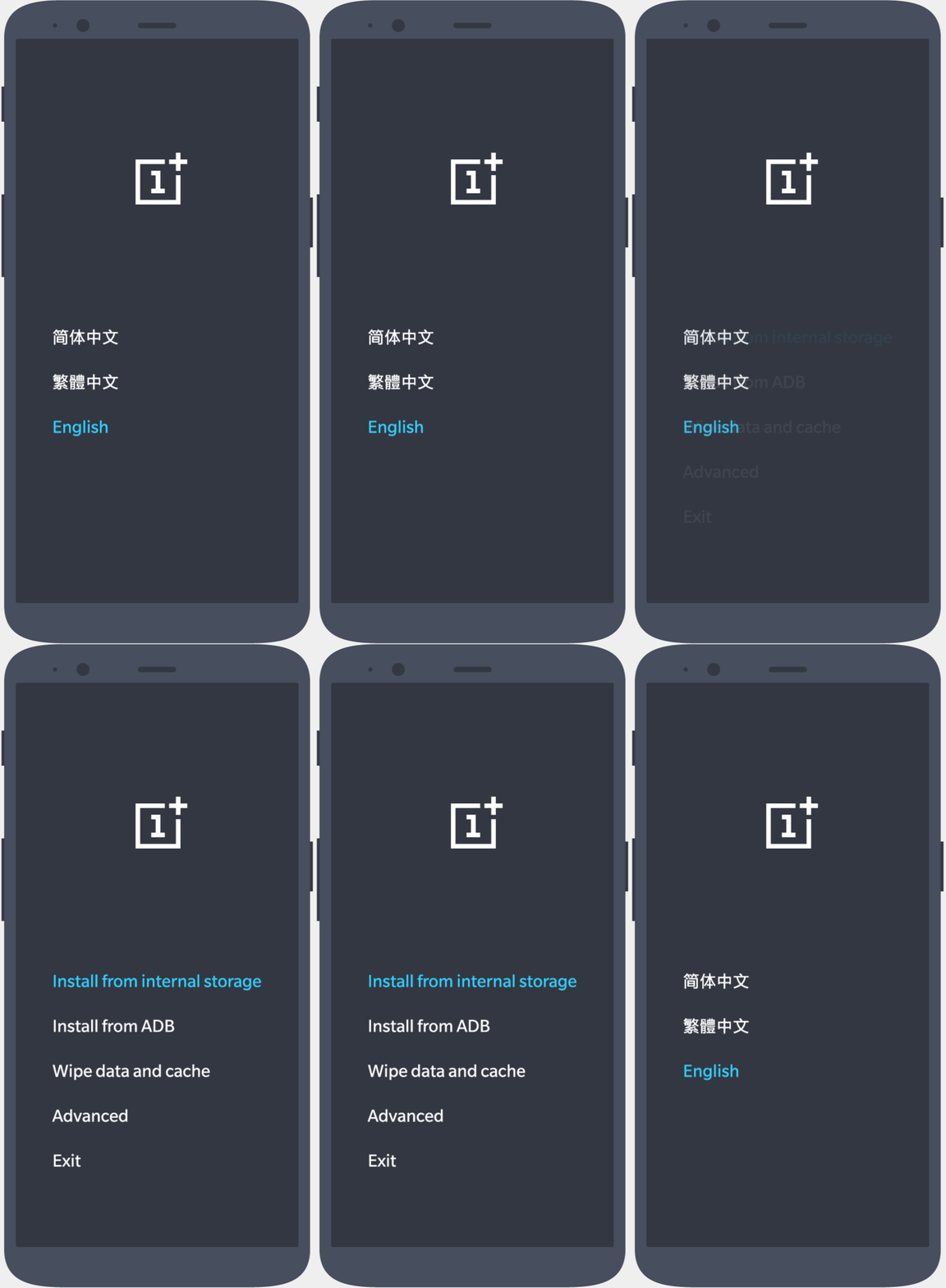
- Once you see the OnePlus recovery mode, click on the Install from internal storage/Install from local option in the recovery and select your downloaded zip file
- After this, tap on “Install” to confirm the installation.
How to flash OTA flashable zips
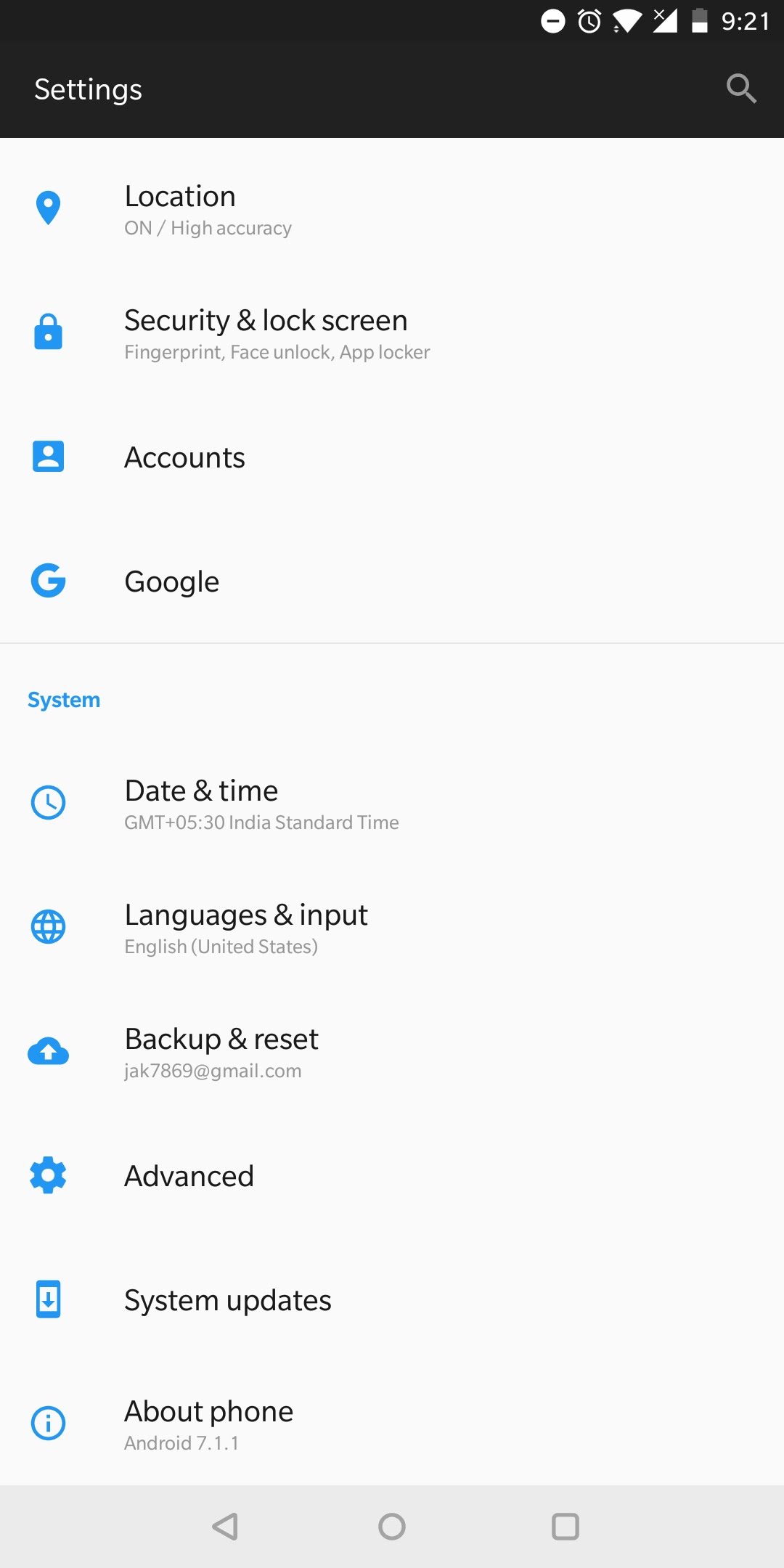
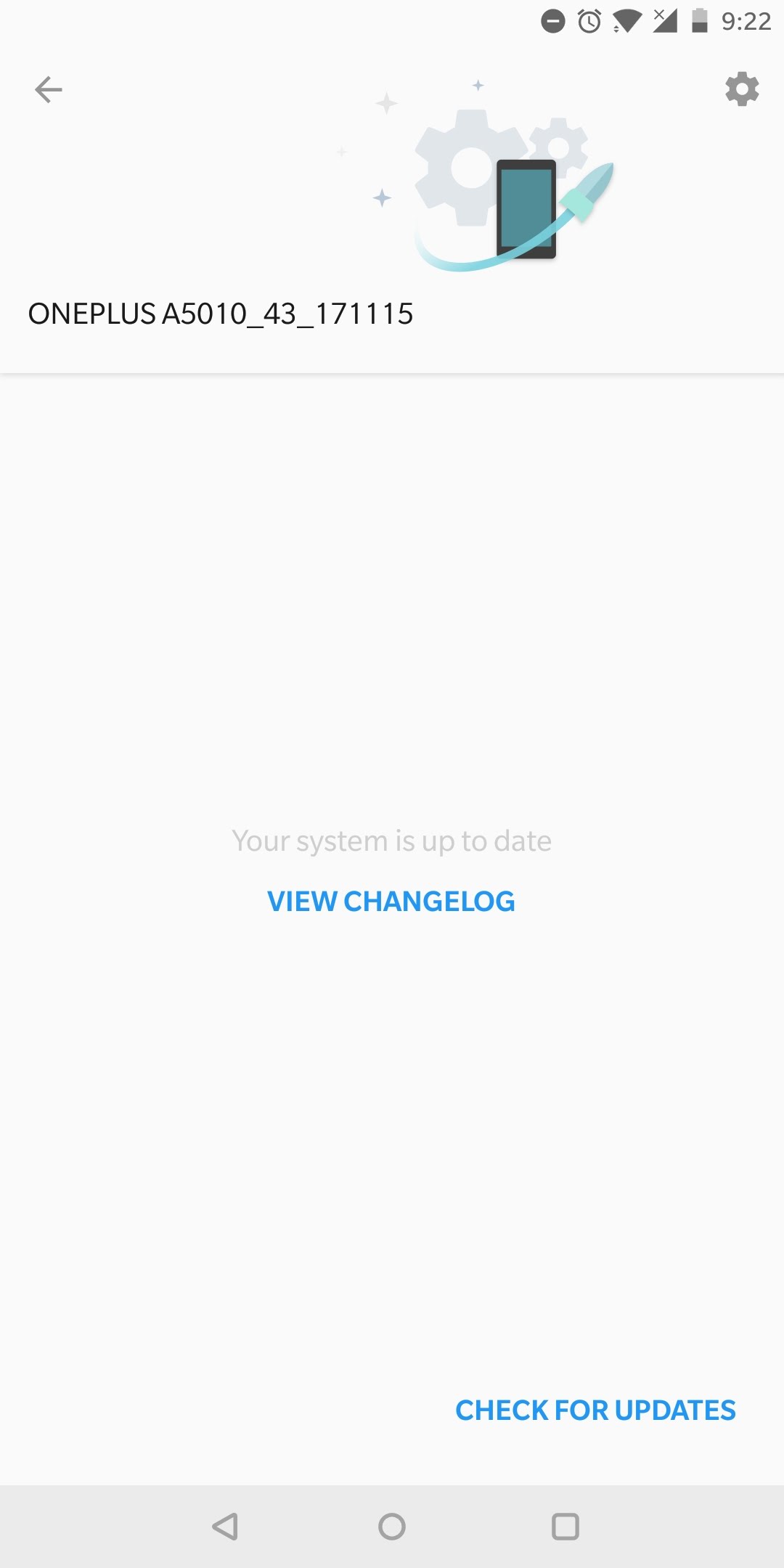
- Open the Settings app on your phone and go to the updates section which can be found from Settings -> System updates.
- In the System updates section, click on the Gear icon seen on the top-right corner which will open the Settings of System updates.
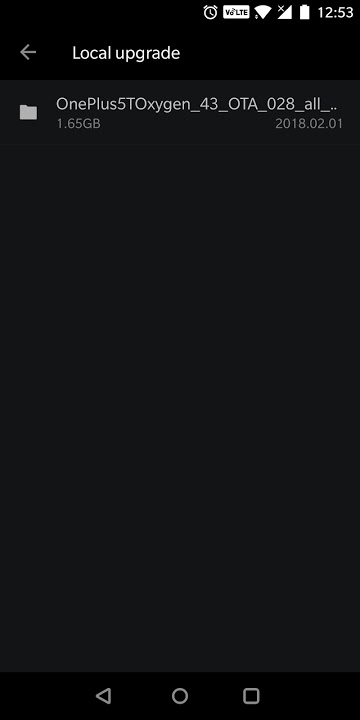
- After this, click on “Local Upgrade” in Settings and you should see the OTA zip file which was downloaded and moved to the root folder on your SD card as seen from the screenshot below.
- Now that the OTA zip file is visible in the Local upgrade section, click on this OTA zip file and you will get a popup to ask if you want to upgrade to the latest OTA update.
- Click on Upgrade Now from the popup menu now and your device will begin the process of installing the latest OTA update on your OnePlus 5T manually. This process will take a few minutes after which your device will reboot automatically.



Join The Discussion: