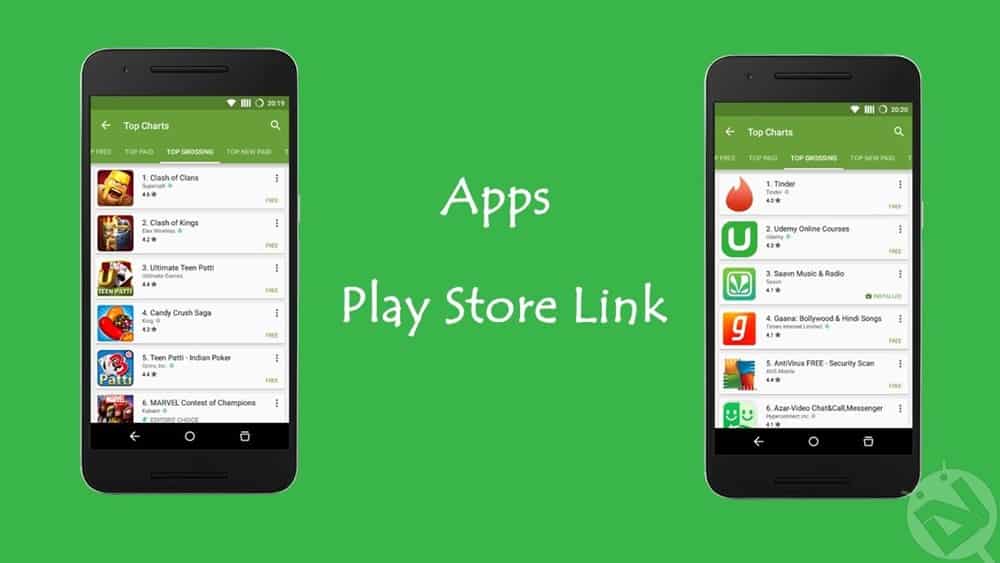
Google Play Store is the central hub to download and install apps & games on your Android devices. One can find millions of apps in the Google Play Store and it is quite hard to choose between thousands of awesome apps & games. Google had rolled out many updates to the Play Store over the years to bring the best apps to every Android device. The latest version of Play Store provides features like top charts, trending apps and other features which lists the best apps & games among the lot.
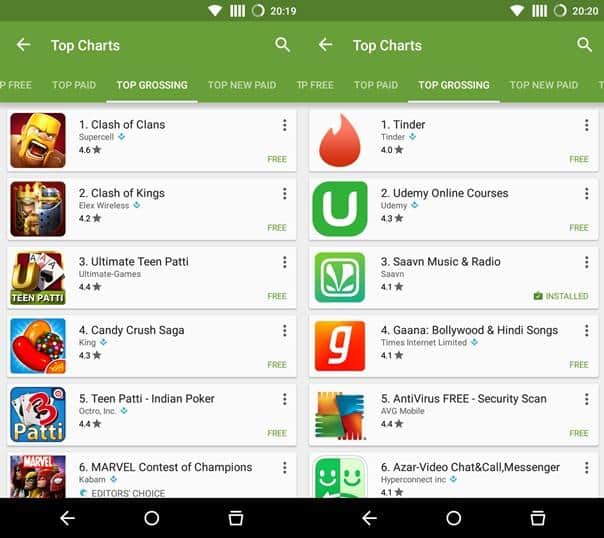
However, given the current popularity of games like Candy Crush, Clash of Clans, the Play Store’s top charts is getting a bit cluttered. Many such games are surfacing the Google Play Store and thus, users are missing many productivity apps on Play Store. If you open the Top charts in Play Store, you’ll find half the listings with the addictive games instead of useful apps. Today, we are going to show a simple way to exclude the games from Play Store’s top charts.
Thanks to Jeffrey Sera’s ‘Apps – Play Store Link’ app which will help you discover great non-gaming apps on Google Play Store. The app is pretty straight-forward, all you need to do is to install the Apps – Play Store Link app from Google Play Store and open it. Once you open the app, you’ll directly land in the Top Charts section of Play Store, but you’ll find some difference. Now you won’t see any gaming apps in the listings, all you will see is a list of amazing apps.
So, what are you waiting for? Simply download the app from the Google Play Store link below and discover amazing apps.
[googleplay url=”https://play.google.com/store/apps/details?id=com.happening.studios.apps”/]Browse through the endless non-gaming apps using this simple yet brilliant app. If you like it, share it with your buddies and discover more apps.
So, have you discovered any brilliant apps? Tell us in the comments section below.



Join The Discussion: