AI video tools are becoming more useful for projects that need both strong visuals and convincing audio. Vidu Q4 brings these elements together by generating movement, character performance, dialogue, and sound within the same workflow. Available on Pollo AI, Vidu Q4 is suitable for social media videos, movie trailers, branded content, anime clips, and product campaigns.
In this guide, we look at the main features of the Vidu Q4 AI video generator, where it works best, and how to get better results.
What Is Vidu Q4?
Vidu Q4 is an AI video generator designed to create short videos with motion and synchronized audio. It can turn a single image into a moving scene or use several references to guide characters, clothing, props, and locations.
The model supports clips lasting up to 16 seconds. Within that time, it can generate character actions, facial expressions, lip sync, camera movement, sound, and visual effects. It also supports output up to 4K, making it useful for both quick online content and higher-quality production work.
Turn Still Images into Videos with Audio
Vidu Q4’s image-to-video feature animates a starting image while adding synchronized audio. For the best results, start with a clear, well-composed image. You can use Nano Banana 2.1 to create a detailed source image with consistent subjects and visual elements before bringing it into Vidu Q4. The image provides the scene’s visual foundation, while your prompt explains what should move, how the camera should behave, and what viewers should hear.
Vidu Q4 can also use up to 15 image references. These references can help define a character’s face, outfit, props, and environment. They are useful when one starting image does not show every important detail.
Guide Voices with Audio References
Vidu Q4 accepts up to three audio references to guide character voices and emotional delivery. These inputs can provide a model for how a speaker should sound. They can also indicate whether the dialogue should feel calm, nervous, cheerful, angry, or restrained.
Voice cloning helps maintain the same vocal identity across separate clips. This can be valuable for:
- Recurring characters in a social media series
- Virtual presenters in branded content
- Conversations between several characters
- Short narrative films
- Localized marketing videos
Only use a real person’s voice when you have their clear permission. This protects the speaker and helps keep the project transparent.
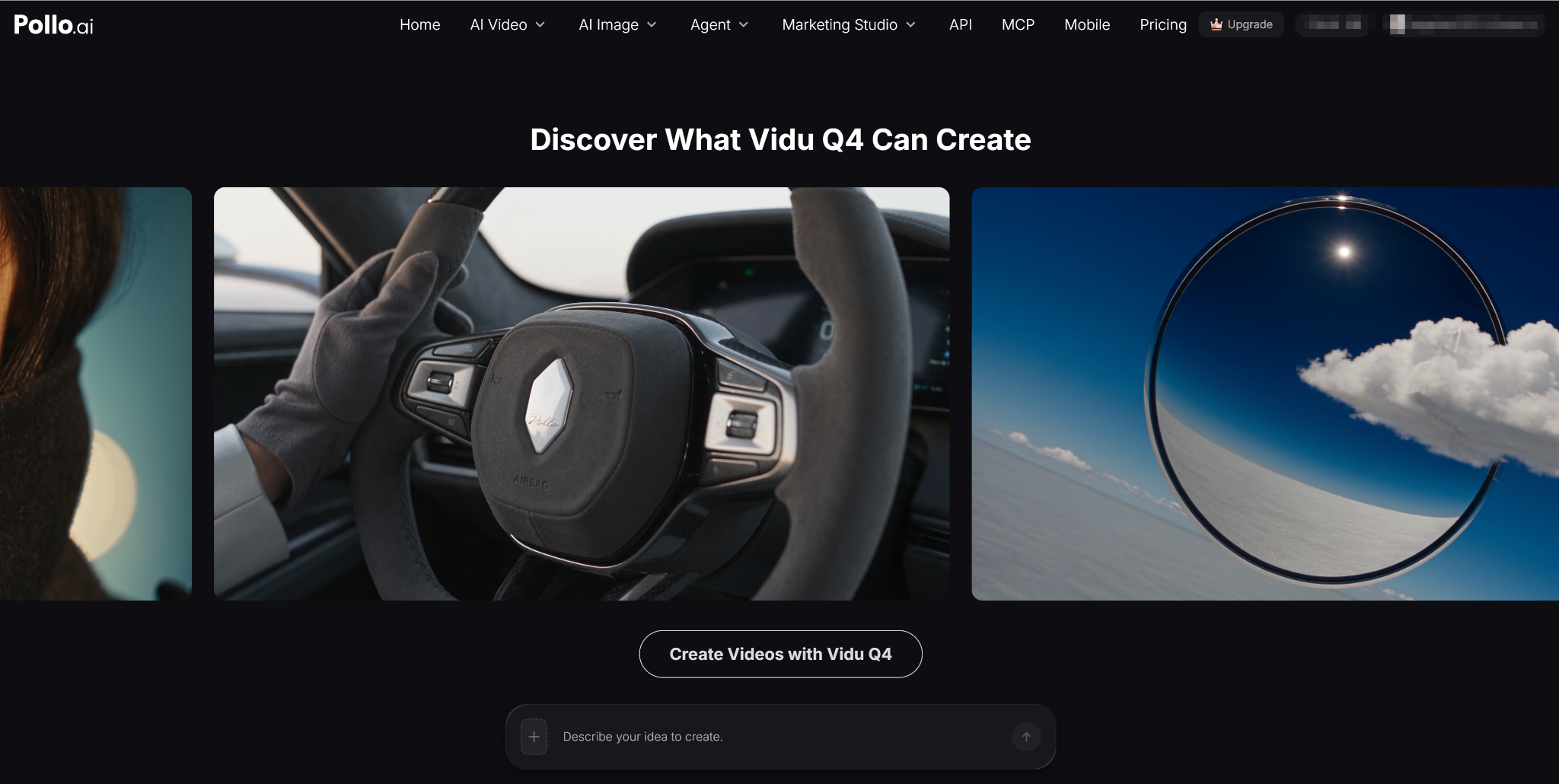
Create More Expressive Character Performances
Vidu Q4 connects facial expressions, body movement, and lip sync. This allows a character to communicate through more than spoken words.
Small actions can shape a scene. A character may glance away before answering, pause in the middle of a sentence, or step back in surprise. These details can show hesitation, confidence, fear, or excitement without requiring extra dialogue.
When writing a prompt, describe emotions through visible behavior. Instead of writing “the man is worried,” try:
The man looks at the message, pauses, and tightens his grip on the phone. He glances toward the door before speaking in a quiet voice.
This gives the model specific actions to create.
Build Scenes with Action-Aware Shot Transitions
Vidu Q4 supports directed camera movement and shot changes within clips of up to 16 seconds. A scene can move between a close-up and a wider shot to reveal information at the right moment.
A trailer scene might begin with a close-up of a character’s face. The camera could then cut to a wide view of the danger approaching. A final close-up could show the character’s reaction.
Do not request too many shots in one generation. Two or three clear views are often enough, and each shot should serve a purpose.
Add Visual Effects That Fit the Environment
Vidu Q4 can generate effects such as smoke, particles, explosions, dust, and debris as part of the scene. These elements interact with nearby light and objects instead of appearing as flat overlays.
Scene-integrated effects are especially useful for action anime, fantasy battles, game promotions, and dramatic advertisements.
Generate High-Resolution AI Videos
Vidu Q4 offers several resolution settings, with output reaching 4K. Higher tiers also support 10-bit color. This can provide smoother color transitions in scenes with skies, smoke, shadows, or soft lighting.
Lower resolution is practical during early testing. Once the scene works, you can generate a high-resolution version for final delivery.
Practical Uses for Vidu Q4
Social Media Videos
Creators can animate artwork, character images, or product photos for TikTok, Instagram Reels, and YouTube Shorts. Built-in sound can reduce the work needed after generation.
Character-Based Stories
Reference images and voice guidance help maintain recurring characters across short episodes. Expressive acting makes this especially useful for dialogue and emotional scenes.
Product Campaigns
Brands can turn product images into short reveals with camera movement, environmental sound, and visual effects. Clear references help preserve packaging and design details.
Trailers and Concept Videos
Camera transitions, dramatic effects, and synchronized audio make Vidu Q4 useful for visualizing trailers before a full production begins.
Tips for Better Vidu Q4 Results
- Start with a clean source image. Make sure faces, hands, products, and important props are easy to see.
- Give every reference a clear job. Use one group for the character, another for clothing, and another for the environment.
- Write prompts in a logical order. Describe the subject’s action first, followed by the emotion, camera movement, and sound.
- Review each result closely. Regenerate or simplify the prompt if the scene becomes unstable.
Vidu Q4 combines image-to-video generation, synchronized audio, voice references, expressive acting, camera transitions, and integrated effects. Its strongest use cases are short scenes that depend on character performance, sound, and visual pacing.
With a careful workflow, Vidu Q4 can turn still images and simple concepts into polished AI videos with believable motion and sound. Access Vidu Q4 through Pollo AI to explore its creative features and start turning your ideas into engaging AI videos today.
Join The Discussion: